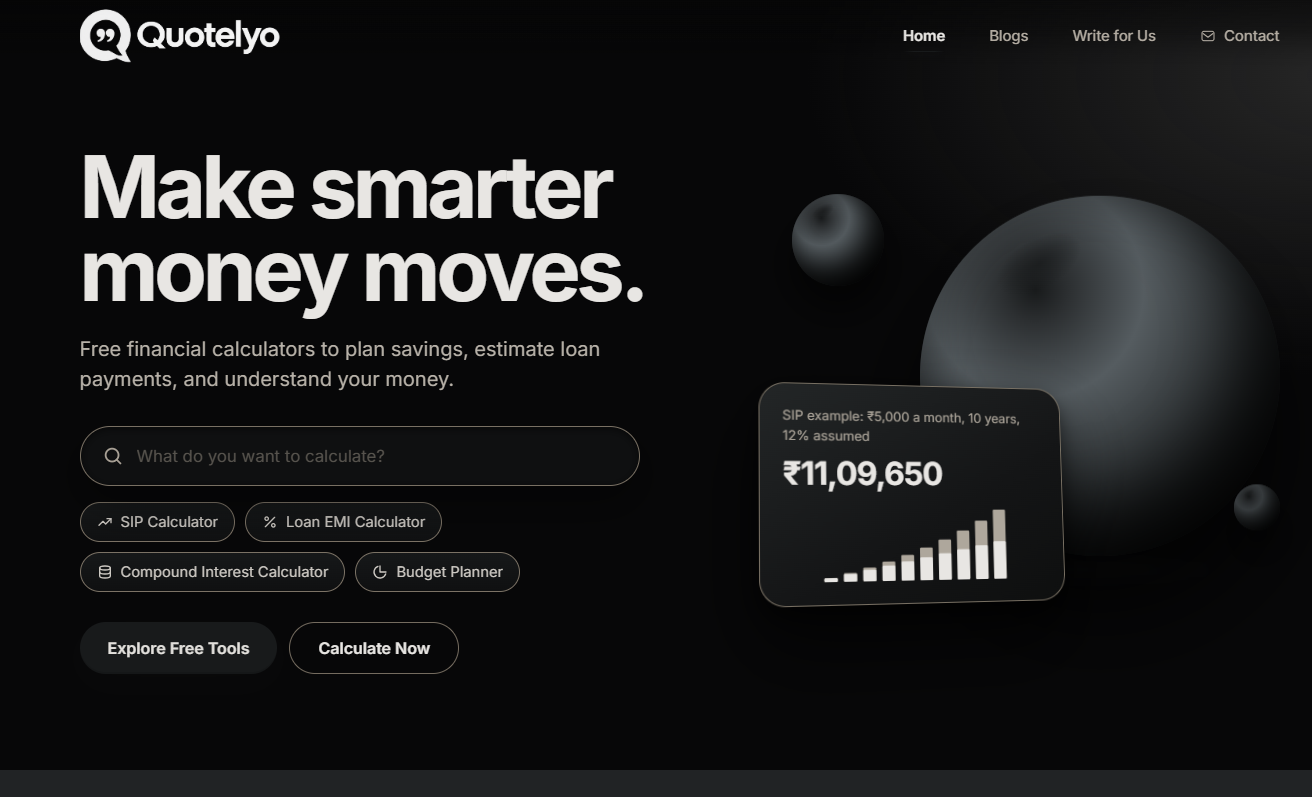
Use free browser-based tools for SIP, compound interest, loan EMI, savings goals, budgeting, debt payoff, inflation and FD/RD. No sign-up required.
About the product
Quotelyo provides free online financial calculators designed to make everyday money decisions easier, faster, and more understandable. Whether you want to estimate investment growth, calculate monthly loan payments, plan savings, or manage your budget, Quotelyo offers convenient browser-based tools to help you explore different financial scenarios. These calculators are useful for individuals, families, students, professionals, and anyone who wants to make more informed financial decisions without complicated spreadsheets or manual calculations.
Explore a range of financial calculators covering SIP investments, compound interest, loan EMI, savings goals, budgeting, debt repayment, inflation, fixed deposits (FD), and recurring deposits (RD). Estimate potential investment returns, understand how interest can affect your money over time, compare loan repayment scenarios, and calculate how much you may need to save to reach a financial goal. Each tool helps simplify calculations by allowing you to enter relevant figures and review estimated results, making financial planning more accessible for beginners and experienced users alike.
Quotelyo is designed for convenience and accessibility, allowing you to use financial tools directly in your browser without downloading software or creating an account. You can quickly explore different amounts, interest rates, investment periods, and repayment durations to understand how changing your inputs may affect the results. Whether you are preparing a monthly budget, planning a major purchase, building an emergency fund, evaluating a savings strategy, or estimating future expenses, these tools can help you organize your calculations and understand your options more clearly.
 Spot Startups





Nice that these run in the browser with no sign-up. For loan EMI and SIP calculators, the thing that builds trust is showing the formula or assumptions under the result (compounding frequency, whether the rate is annual or monthly). Two calculators can give different numbers for the same inputs and users usually can't tell why. A short "how this was calculated" line, and a year-by-year breakdown table for the loan one, would make it easier to rely on.